Disclosure: Some links on this site are affiliate links. If you sign up through them, we may earn a commission at no extra cost to you. See our Affiliate Disclosure
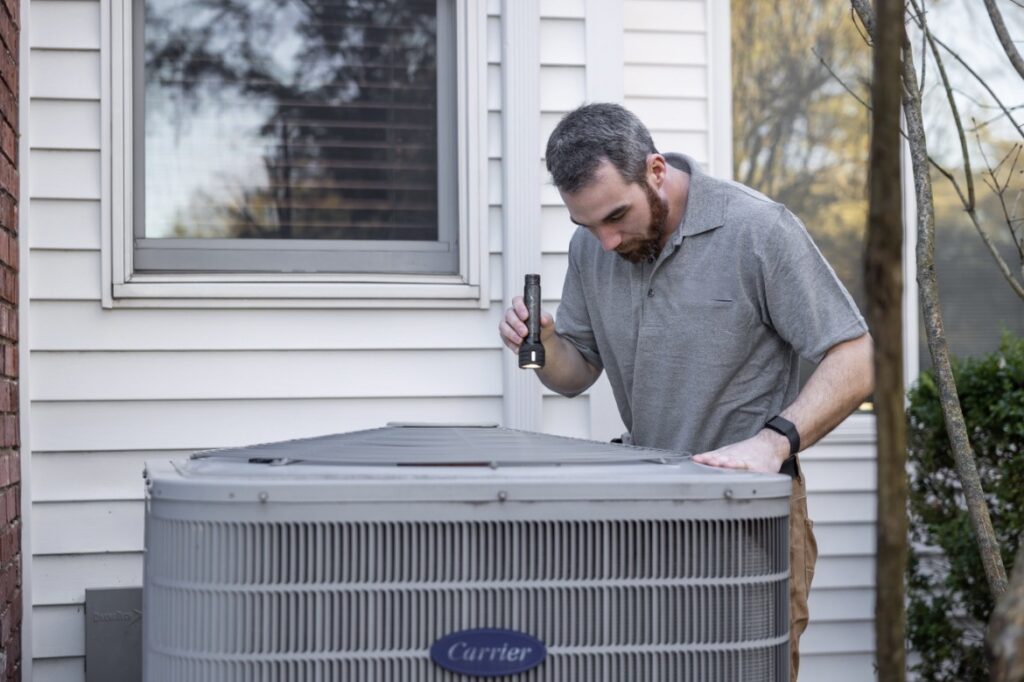
If you are running a 1 to 2-tech HVAC shop, you already know the daily grind. One minute you are crammed in an attic diagnosing a cracked heat exchanger, and the next you are sitting in your truck trying to send a professional estimate before the homeowner calls someone else.
When you start looking for software to tame the chaos, everyone points you toward enterprise platforms like ServiceTitan. But here is the catch: enterprise systems are built for 20-truck fleets with dedicated dispatchers. Paying $300 to $500+ per month with massive upfront implementation fees makes zero sense when it’s just you and an apprentice.
You do not need bloated software built for corporate call centers. You need a fast, reliable mobile setup that handles scheduling, sends customer text updates, lets you build “Good, Better, Best” proposals, and syncs seamlessly with QuickBooks.
Below is a direct breakdown of the top field service management (FSM) software built specifically for 1-2 tech HVAC operations in 2026.
At a Glance: Top Picks for 1–2 Tech HVAC Crews
| Software Platform | Starting Monthly Price (Annual) | Best For | Standout HVAC Feature |
| Jobber | $29/mo (Core) / $99/mo (Connect) | Overall best balance of ease-of-use & client communication | Automated SMS reminders & online booking |
| Housecall Pro | $59/mo (Basic) / $149/mo (Essentials) | Best for automated customer updates & field payments | Built-in “On My Way” texts & consumer financing |
| FieldPulse | Custom quote (seat-based) | Best for interactive “Good, Better, Best” proposal sales | Native flat-rate price book & proposal builder |
| Workiz | Custom quote (Request pricing) | Best for emergency call dispatching & phone system sync | Integrated VOIP call tracking & instant scheduling |
1. Jobber: Best Overall for Solo Techs & Small HVAC Crews
Jobber is widely considered the sweet spot for small trade businesses. It is clean, incredibly easy to set up on a mobile device, and does not force you to spend weeks learning how to use it.
Why It Fits a 1–2 Tech HVAC Shop
For a 1 or 2-man crew, response time wins jobs. Jobber shines with its Client Hub, a self-service portal where homeowners can approve quotes, view appointment details, and pay invoices directly from their phones.
If you are on a roof and a lead comes in, Jobber sends an automated text so you do not lose the customer to a competitor while your hands are dirty. For a detailed look at its dispatching workflows, mobile app, and pricing tiers, read our full Jobber Review
Key Features for HVAC
- Good/Better/Best Quoting: Easily build multi-tiered proposals for system replacements (e.g., standard 14 SEER vs. high-efficiency 18 SEER heat pump).
- Two-Way SMS & Automations: Automatically text homeowners when you are en route or send automated follow-ups on unpaid estimates.
- QuickBooks Online Sync: Flow invoices, payments, and customer info straight into your accounting software without double entry.
The Real Cost (October 2026)
- Core Plan: $29/mo billed annually ($49 month-to-month). Ideal for a solo operator who needs simple invoicing and quotes.
- Connect Plan: $99/mo billed annually for 1 user ($139 month-to-month). The 5-user version starts at $149/mo annually. This is the ideal tier once you hire a second tech or an office administrator.
2. Housecall Pro: Best for Customer Experience & In-Field Payments
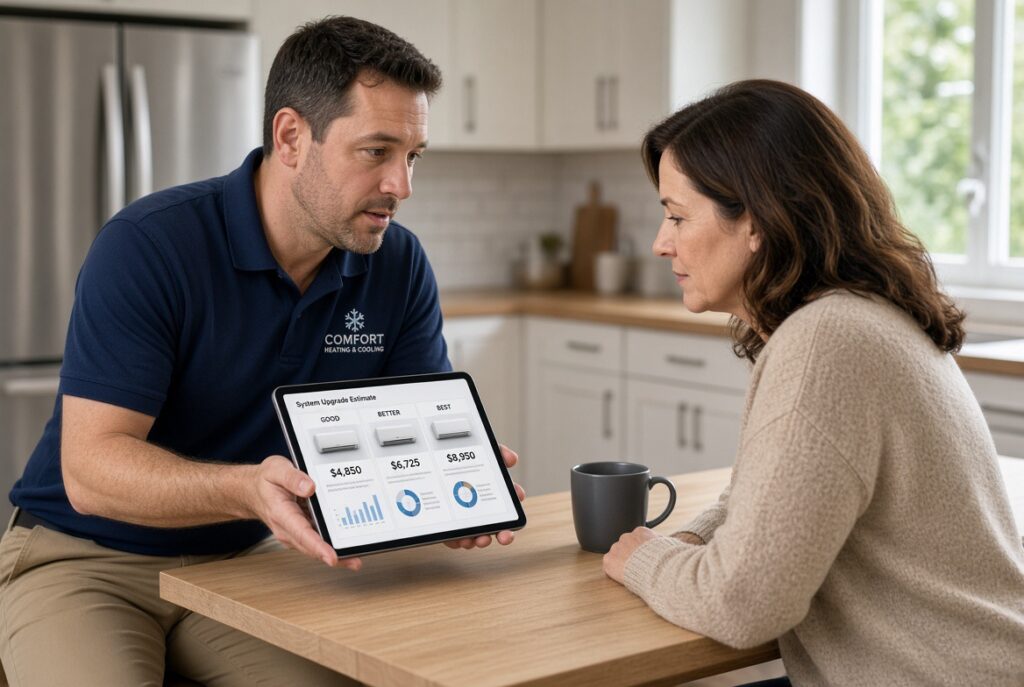
If your business relies heavily on residential change-outs and maintenance service agreements, Housecall Pro is built right for your workflow.
Why It Fits a 1–2 Tech HVAC Shop
Housecall Pro delivers a sleek, polished customer experience that makes a small 2-man operation look like a multi-million-dollar fleet. Their automated communication features keep homeowners informed at every step of the service call. To see how its automated customer communication and flat-rate pricing perform in the field, check out our in-depth Housecall Pro Review
Key Features for HVAC
- “On My Way” Texting: With a single tap in the mobile app, send an ETA text to the homeowner complete with the tech’s name and photo.
- Service Agreements / Maintenance Plans: Set up recurring HVAC tune-up contracts (Spring AC / Fall Heating) with automated recurring credit card billing.
- Consumer Financing: Offer instant financing options right on your tablet during big system replacement quotes.
The Real Cost (October 2026)
- Basic Plan: $59/mo billed annually ($79 month-to-month) for 1 user. Great for a solo tech getting started.
- Essentials Plan: $149/mo billed annually ($189 month-to-month) for up to 5 users. This is the recommended plan for a 2-tech shop needing full dispatching, QuickBooks sync, and automated reviews.
3. FieldPulse: Best for Flat-Rate Pricing & Custom Proposals
For HVAC contractors focused on maximizing ticket size during service calls, FieldPulse offers rich proposal features tailored specifically to trade workflows.
Why It Fits a 1–2 Tech HVAC Shop
Unlike generic job trackers, FieldPulse includes a built-in proposal editor and price book manager. When diagnosing an older system, you can quickly present the customer with a side-by-side comparison between repairing a failing compressor or replacing the entire condenser unit.
Key Features for HVAC
- Flat-Rate Price Book: Store your labor rates, equipment costs, and parts inventory to quickly build accurate estimates in the field.
- Interactive Proposals: Present sleek digital proposals on an iPad that allow customers to check off optional add-ons (like UV air purifiers or smart thermostats).
- Subcontractor & Tech Management: Easily manage schedule views, job timesheets, and commission tracking.
The Real Cost (October 2026)
FieldPulse no longer publishes fixed public pricing. It is now fully seat-based and custom-quoted. Pricing depends on the number of full-access (office) seats versus lighter field seats, plus any premium add-ons (Pricebook, Engage phone system, etc.). Expect to contact sales for a quote tailored to a 1–2 tech shop.
4. Workiz: Best for Emergency Service & Phone Dispatching
If your HVAC shop specializes in emergency repair calls, fast turnarounds, and heavy phone bookings, Workiz provides specialized tools to handle high call volumes.
Why It Fits a 1–2 Tech HVAC Shop
Workiz includes an integrated phone system (Workiz Service Phone / Genius Phone) built directly into the platform. When a customer calls, their service history and address pop up on your screen before you even answer.
Key Features for HVAC
- Built-in VOIP Call Tracking: Record client calls, send ad-hoc text messages, and track which marketing channels drive your phone leads.
- Smart Dispatching: Drag-and-drop scheduling interface with color-coded job statuses (En Route, In Progress, Completed).
- Inventory Tracking: Keep track of high-value parts (refrigerant tanks, capacitors, motors) stored in each truck. If you are scaling up your field team and want strict GPS geofencing and job-costing rather than an all-in-one FSM suite, check out our breakdown of ClockShark for small plumbing crews
The Real Cost (October 2026)
Workiz also moved to “Request pricing” on all plans (Standard, Pro, and Ultimate). Fixed public pricing is no longer available. You will need to speak with their sales team for a current quote based on your team size and whether you want the integrated phone system.
How to Pick the Right Tool for Your Shop
Choosing software comes down to how your 1-2 person crew operates every day:
- Pick Jobber if: You want a clean app that requires almost zero learning curve, excels at client portals, and lets you send professional quotes and collect payments instantly.
- Pick Housecall Pro if: You focus heavily on residential service contracts, want automated customer communication, and want to offer consumer financing on replacement jobs.
- Pick FieldPulse if: You want to drive higher average ticket sizes using interactive “Good, Better, Best” flat-rate proposals directly on an iPad (and you’re comfortable getting a custom quote).
- Pick Workiz if: Emergency calls and phone volume are a big part of your business and you want a tightly integrated phone system.
Next Steps for Your Shop
Do not overthink the decision. Most of these tools still offer free trials (Jobber and Housecall Pro are particularly easy to start). Pick two platforms from the list above, run a mock service job from estimate to payment on your phone, and stick with the one that feels most natural in the field. Torn between the top two platforms for small crews? See our side-by-side Jobber Vs Housecall Pro 2026. to compare their feature sets head-to-head.”